
Save time on daily work
Keep records organised and spend less time looking for information.
Build a better way to run your business. Use digital tools to organise daily work, improve service quality and understand your performance. Start with what matters most and grow from there.
As your business grows, scattered files and manual updates can make everyday work harder. Digital tools help you organise information, support your team and stay in control.
Keep records organised and spend less time looking for information.
Use clear steps and responsibilities to help your team get work right.
Keep track of enquiries, follow-ups and requests so customers receive timely attention.
Review sales, costs and progress before deciding what to do next.
Give everyone a shared view of tasks, deadlines and priorities.
Create reliable ways of working that can support your business as it grows.
Digital transformation begins with a clear business need. Choose one area to improve, involve your team and build from there.
Start with a daily challenge, such as missed follow-ups, scattered records or slow approvals.
Organise the information your team needs in a shared digital workspace.
Set clear responsibilities and make digital tools part of everyday work.
Check progress regularly, learn what works and expand at a pace that suits your business.
The value of going digital is in how it helps your business work better. Set clear goals and review your progress regularly.
Clear records and consistent processes help your team deliver reliable work.
A clearer view of daily operations helps you identify delays and plan your next move.
Build good working habits now, then connect more parts of your business as your needs grow.
EntreplanMalaysia helps Malaysian small and medium businesses connect customers, people, projects, purchasing and finance.
Start with the tools that address your priorities, then connect more of your daily work as your business develops.
Explore Our SolutionsConnect your people, customers, projects and finances. Give everyday business a clearer way to work.
A future connected way to sell in store and online, manage orders and reach more customers.
Planned solutions. Not available for use yet.
See your daily priorities in one private overview. Manage your business profile, services, clients, jobs, quotations, invoices and appointments. Available to selected pilot workspaces.
Pilot workspaces can optionally publish reviewed business profiles and selected services. Public self-booking, directory discovery and Solo payment entry remain planned.
Find the right starting point for your team, from customer follow-ups to daily operations and financial records.
Manage leads, customer records and follow-ups in one place.
Explore solutionConnect quotations, confirmed orders, deliveries and invoices.
Explore solutionAssign work, set deadlines and follow delivery progress.
Explore solutionOrganise employee records, attendance, leave and claims.
Explore solutionKeep purchase requests, approvals and supplier orders connected.
Explore solutionManage invoices, payments and financial records with a clearer view of your accounts.
Explore solutionTrack requests, assign support work and follow up on outstanding issues.
Explore solutionKeep a record of equipment, ownership and maintenance.
Explore solutionExplore the EntreplanMalaysia workspace and see how connected tools can support your team.
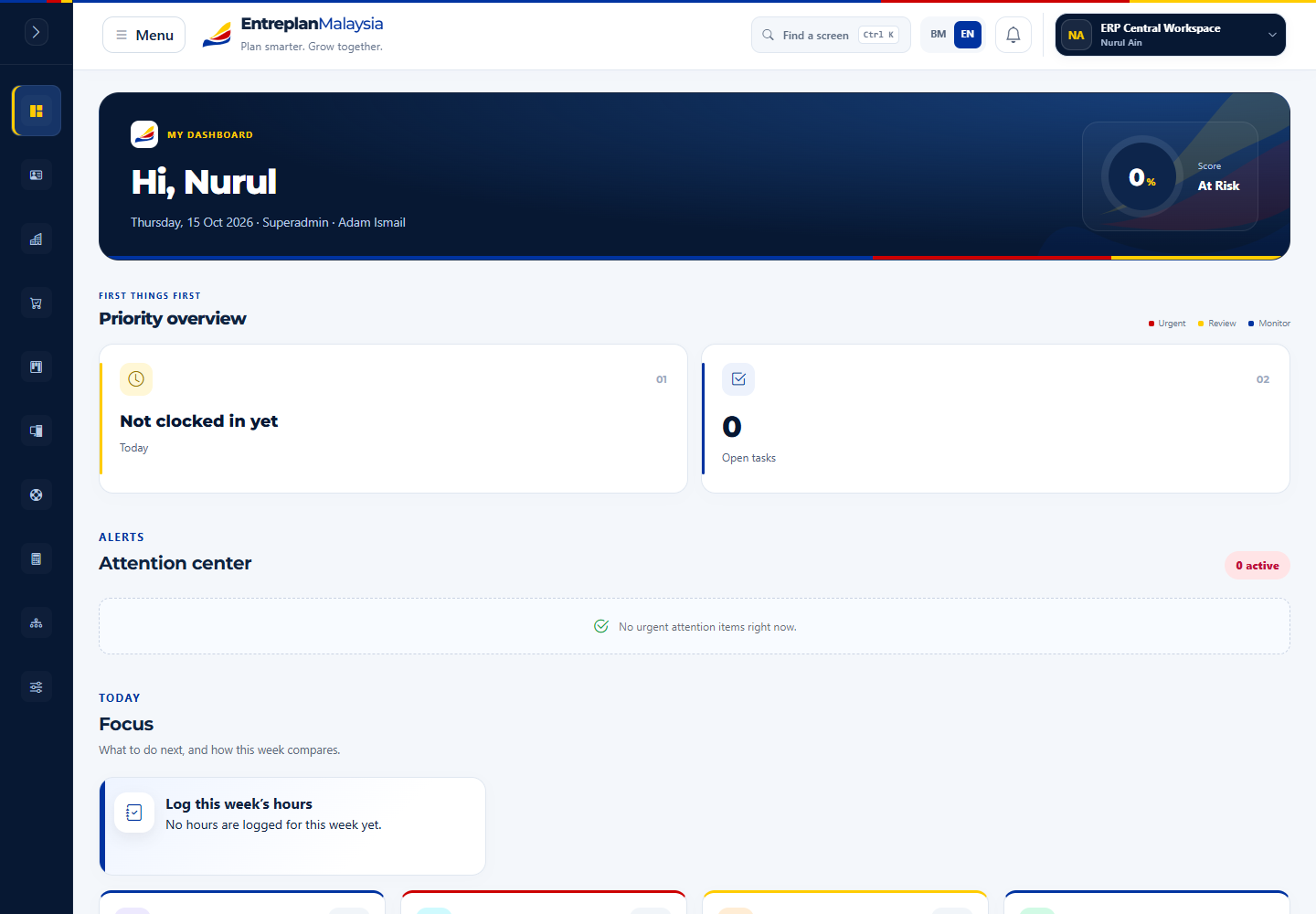
Review daily priorities, tasks and updates from your dashboard.
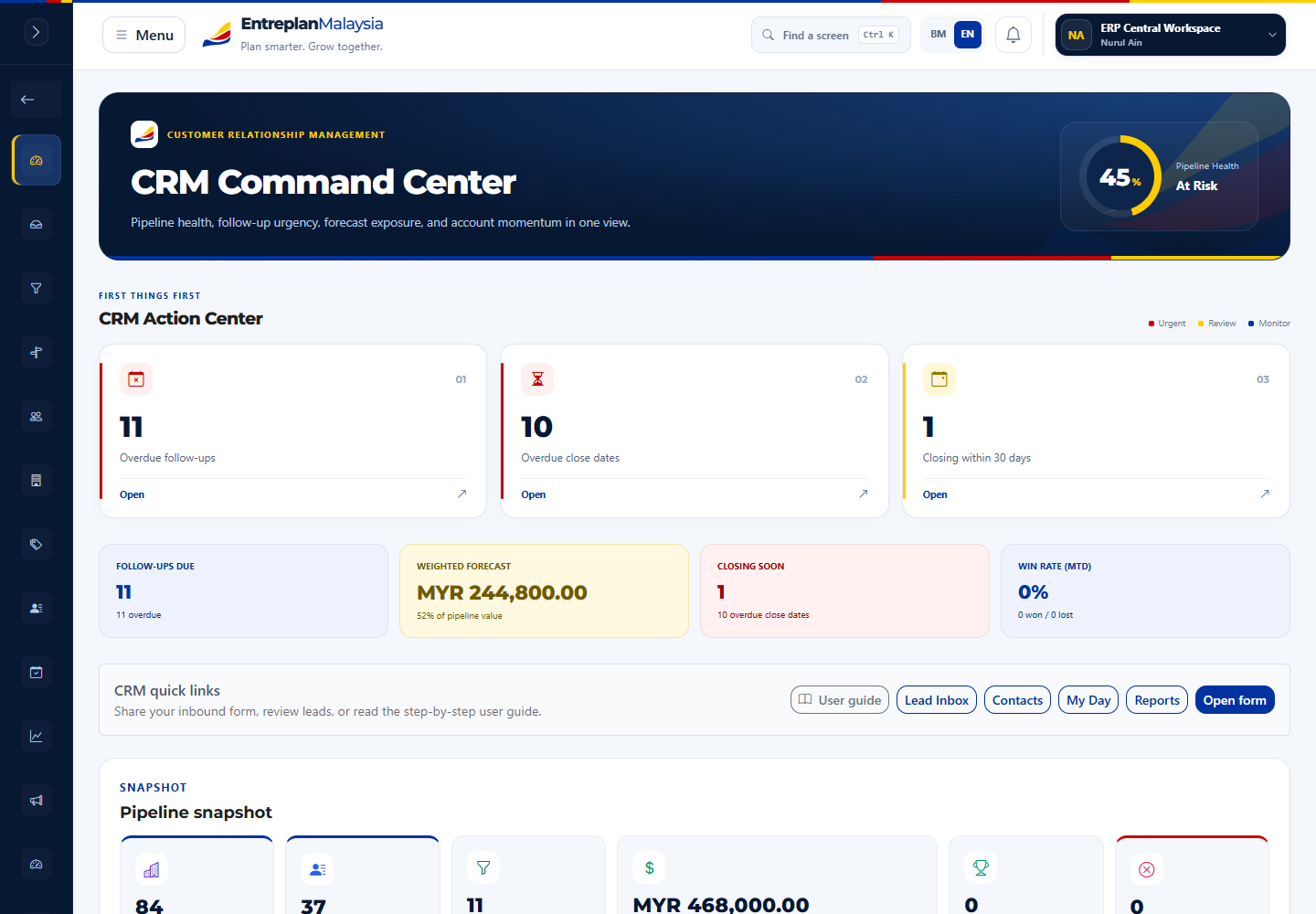
Keep customer enquiries, opportunities and follow-ups organised.
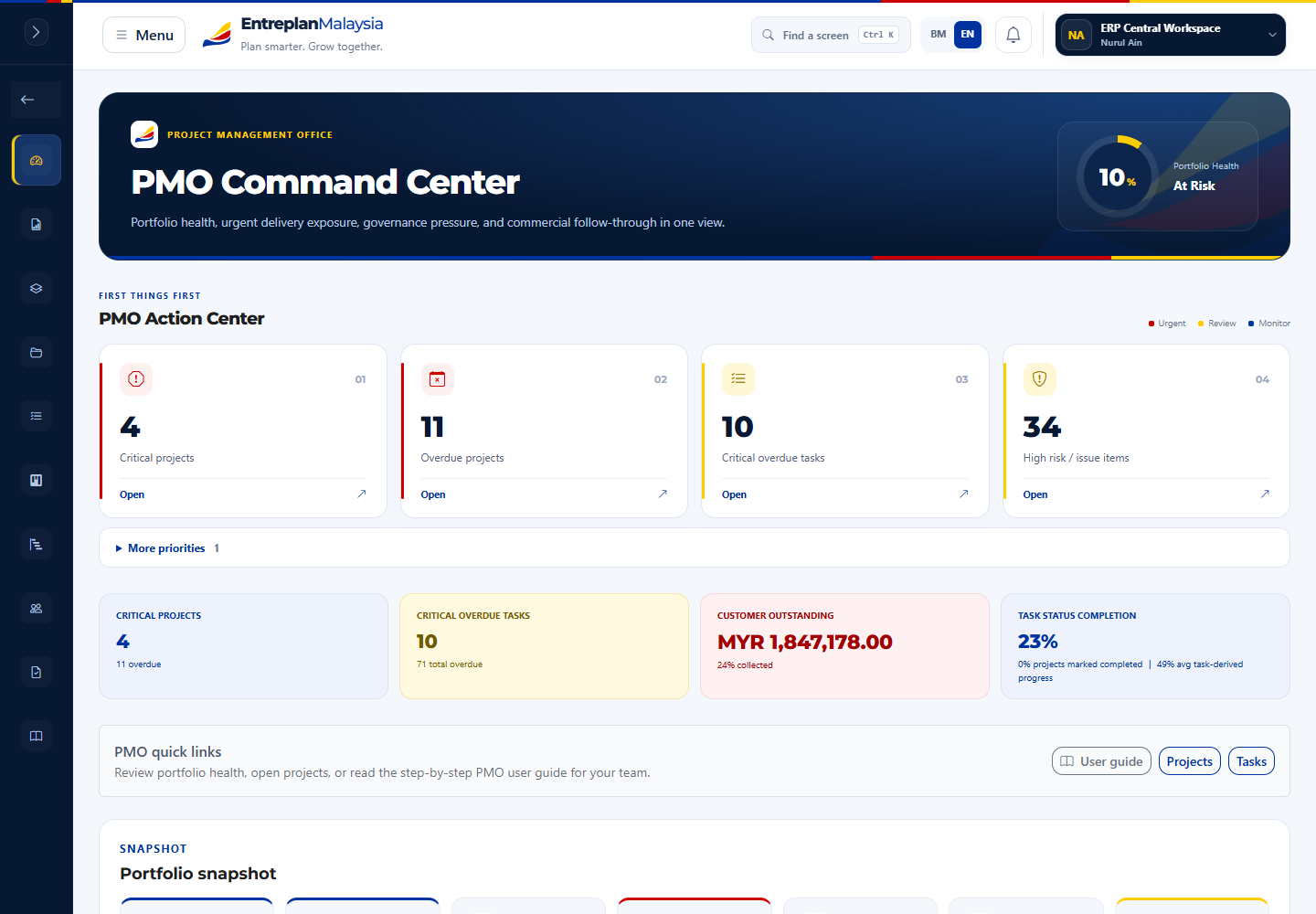
Bring tasks, deadlines and project progress into one view.
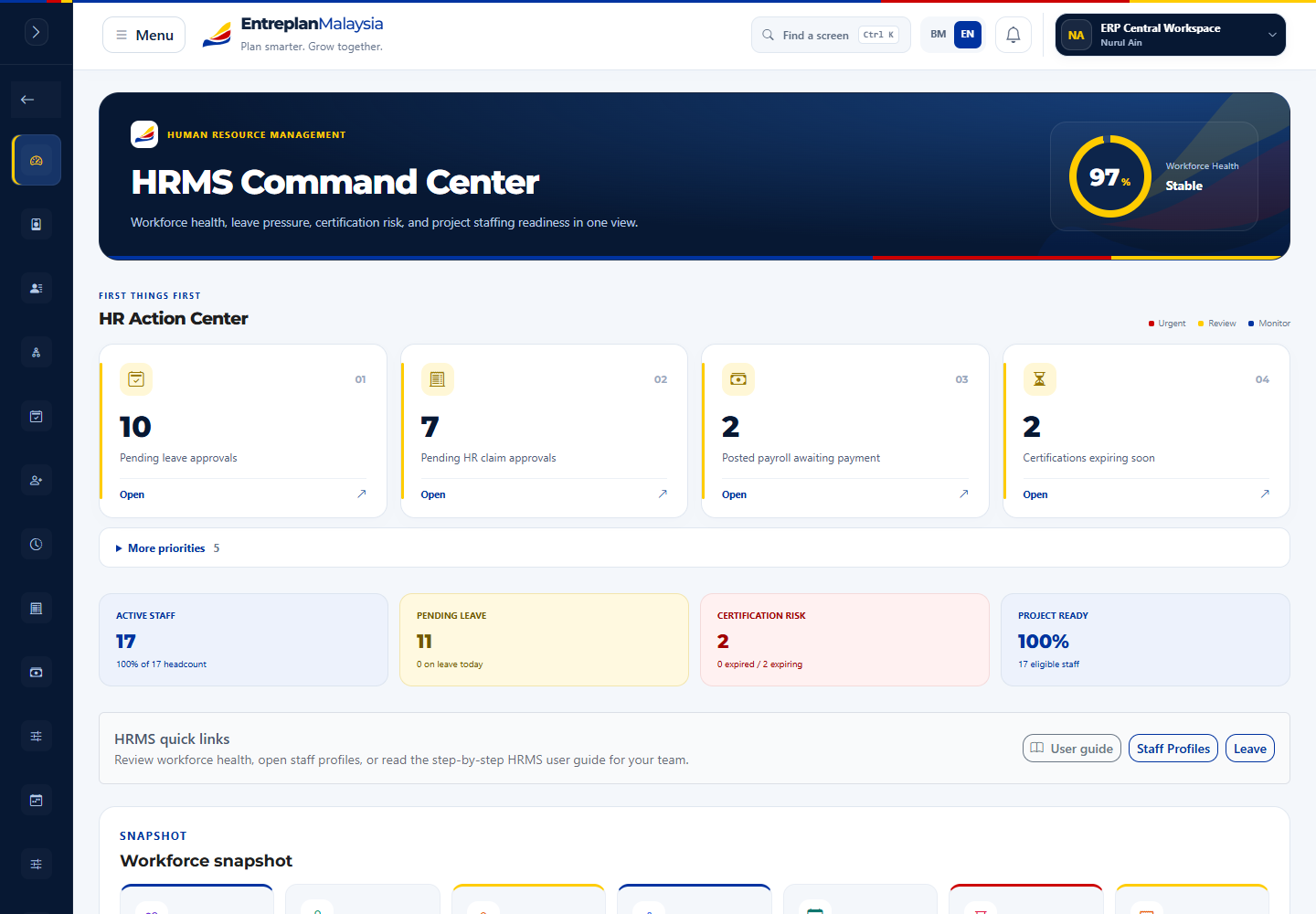
Manage everyday HR records and staff requests.
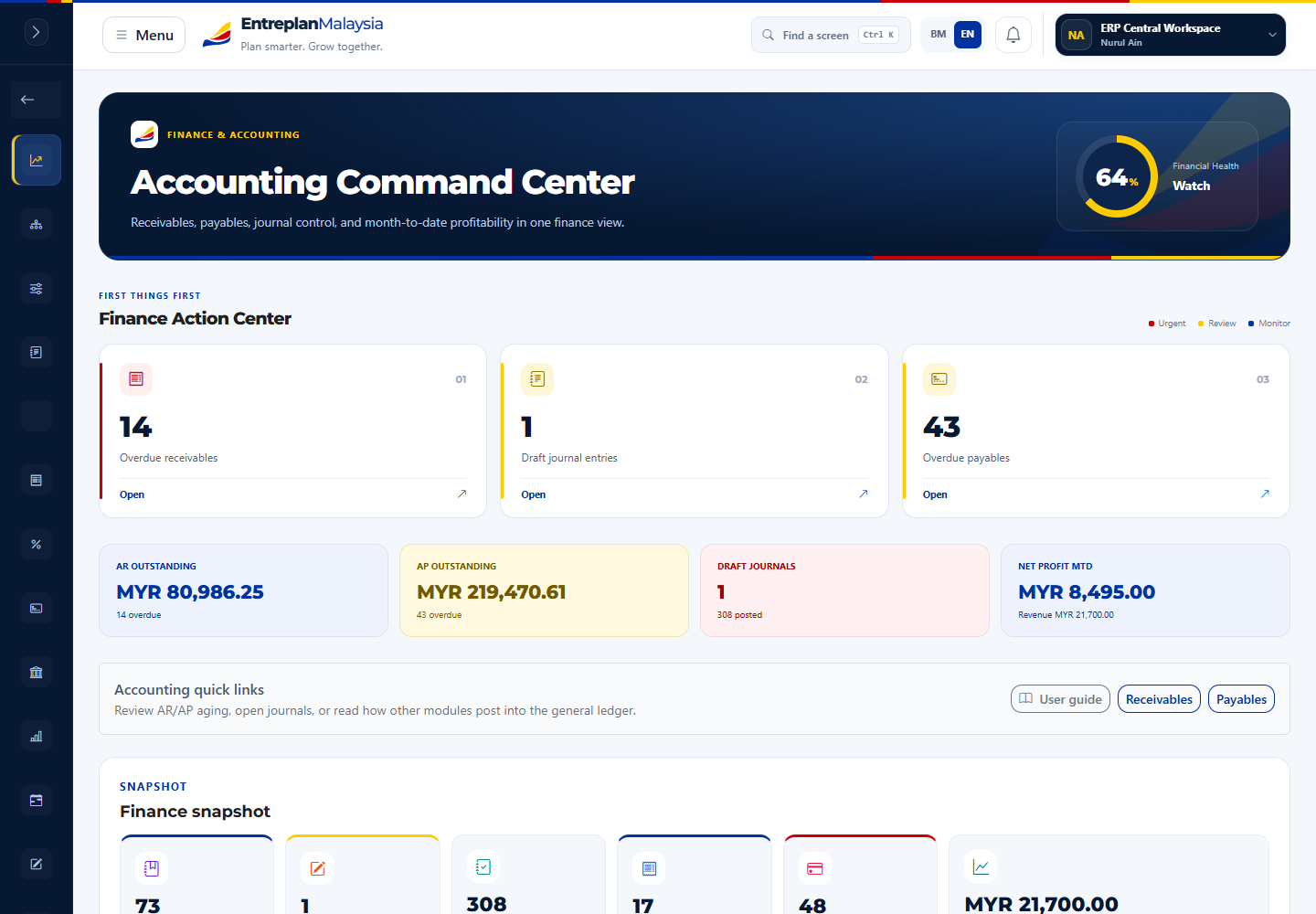
Review invoices, payments and accounting information.
Manage who can access information, follow approval steps and review activity in your organisation's workspace.
Explore EntreplanMalaysia and find a practical starting point for your digital journey.